Hidden iPhone storage hogs: message attachments and recently deleted files
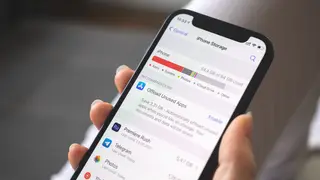
Beyond apps and photos, iPhones hide storage-wasting data in message attachments and recently deleted folders. Users can review large items in Messages and third-party apps like WhatsApp, and finalize deletions to reclaim space. The iPhone Storage settings page helps identify these less obvious culprits.
The iPhone Storage settings page provides a per-app breakdown, allowing users to identify which apps consume the most space. Within Messages, users can sort attachments by category—photos, videos, and other media—to locate and remove large files. Third-party messaging apps require opening the app itself to manage stored data, such as WhatsApp's dedicated storage management tool.
Recently deleted folders in Photos and Files continue occupying space until permanently cleared. Downloaded media within streaming and navigation apps, such as offline songs, podcast episodes, and saved maps, can accumulate unnoticed. Users can adjust download limits in app settings to prevent future buildup, and checking the On My iPhone folder may reveal overlooked files like large PDFs or game ROMs.
This article addresses a common frustration for iPhone users—running out of storage. It could help consumers avoid purchasing additional iCloud storage or new devices prematurely. By reclaiming space through these methods, users may extend the usable life of their current phones, potentially reducing electronic waste and saving money. However, the impact is limited to those who actively manage their storage, and the tips may not fully resolve issues for users with very small storage capacities.