Preserving Media Quality When Sharing Between Android and iPhone
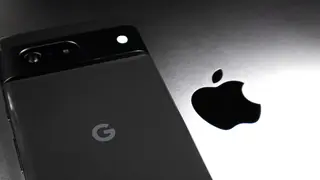
With iOS 18, iPhones now support RCS messaging, which allows higher-quality image and video transfers from Android devices. To avoid compression, Android users should select 'HD+ Original Quality' in Google Messages before sending. For larger files, alternative methods like email or cloud services may be necessary due to RCS's 100MB limit.
The article highlights that while iOS 18 automatically activates RCS, Android users must manually adjust a setting within Google Messages. Selecting "HD+ Original Quality" instead of the optimized chat option is necessary to prevent the system from degrading the original file's resolution.
For media exceeding the 100-megabyte RCS cap, the text recommends cloud-based alternatives like Google Photos or Drive. Additionally, newer Pixel and Galaxy models can utilize Quick Share's new AirDrop compatibility, whereas older devices may rely on a QR code sharing method that has a shorter operational range.
The move toward cross-platform messaging parity could significantly ease communication for households with mixed devices. By enabling higher-quality media transfers, this update may reduce the frustration of degraded photos, potentially altering how people share personal moments. Furthermore, it could set a precedent for greater interoperability between rival ecosystems, encouraging users to expect seamless functionality regardless of their chosen hardware.