Five underused Samsung One UI tools I rely on daily
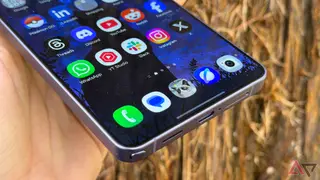
The article lists five Samsung One UI features that many Galaxy users overlook but the author relies on daily. One example, Separate app sound, lets audio from a chosen app go to a Bluetooth device while other phone sounds stay on the handset. The author says these tools reduce annoyances and make the Galaxy S25 Ultra easier to use.
The piece highlights that Galaxy devices ship with many options that owners may never discover. It focuses on five One UI tools the writer uses routinely on a Galaxy S25 Ultra, including Separate app sound, which can direct one app's audio to a Bluetooth device while other phone audio remains on the handset. Setup is found under Sounds and vibration.
Another example is a Modes and Routines automation tied to Android Auto. When the phone connects, it can turn off Always On Display, disable fast charging, select a Light performance mode, and prefer LTE over 5G; disconnecting restores prior settings. Stacked widgets also let compatible widgets share one home-screen space and be swiped through.
Features like these may mainly affect Galaxy owners who want finer control over audio, driving routines, and home-screen organization. By reducing interruptions and manual setting changes, such tools could make everyday phone use less distracting, especially for people who listen to media around others or drive often. Wider impact may be modest, since benefits depend on users discovering and configuring them, but they could encourage other device makers to offer similar automation and customization.